
Convert a Suffolk Tax Bill into a Complete SCTM Search
A Suffolk tax bill can rescue a failing address search. The PIDN or map components are printed right there. Copy each district, section, block, and lot element exactly, zeros and suffixes included. Bills sometimes abbreviate the number. So recover the complete form through county conversion or parcel resources before opening the Clerk kiosk. The full identifier should then land on the expected GIS polygon. It should also hit the matching town assessment entry.
Splits and mergers add a wrinkle. When official sources show both a former and a current number, save the pair. Search the old identifier for earlier deeds. Then run the new number for the present tax and map record. One parcel number rarely spans a property's whole history.
Use Suffolk SalesWeb as a Secondary Transfer Check
SalesWeb holds ten years of New York real-property transfer data. Searches run by buyer, seller, address, book-page, and tax-map information. Updates arrive weekly. Even so, state guidance warns that a sale may take weeks or months to appear. The data works well for finding a reported transaction. It also helps compare names, dates, and parcel identifiers against Suffolk County deed records. It cannot replace the recorded deed itself.
Keep two dates separate. The sale date is not the deed-recording date. When the consideration looks unusual, review the RP-5217 context. Concessions, family transfers, partial interests, and corrections can make a reported price unlike an ordinary market sale. Then return to the Clerk document for the legal description and the exact interest conveyed.
Prepare a Suffolk Counter Search when Remote Access Stops
The Clerk kiosk has carried maintenance and access notices, including a warning about anonymized or VPN access. If remote searching fails, record the error and use the Riverhead public counter or copy process. Bring the SCTM, exact party spellings, approximate recording range, document type, and every known liber-page or index reference. A focused request is more likely to reach the correct record than a broad address-only question.
For historical work, allow enough time to move between terminals and books. The Historic Documents Library notes that house-history research can take most of a day and that record pulls end before the research room closes.
Search Suffolk Result Tables by Record Class
A Suffolk result page splits into separate deed, mortgage, lien, lis pendens, and UCC tables. Each table has its own job. The newest mortgage is not the newest ownership transfer. A satisfaction points back to a mortgage rather than moving the parcel. Before opening any image, save the document type, recording date, and party names. Also record the liber-page or other identifier.
| Result | Question | Next check |
|---|---|---|
| Deed | What interest was conveyed? | Grantee and legal description |
| Mortgage | What security was recorded? | Borrower and parcel |
| Satisfaction | Which mortgage was released? | Referenced instrument |
| Lien or lis pendens | What claim or notice exists? | Filing and case reference |
Continue a Suffolk Search beyond the Online Image
Online Clerk imaging generally reaches back to 1987. The physical collection goes far deeper. The Historic Documents Library describes Suffolk land records from about 1660 to the present. Start with the prior liber-page citation in the current deed, retrieve the earlier instrument, and repeat. Countywide books cover the older period. Indexes from 1951-1969 divide by town.
The lien index reaches 1820. Online lien documents start only in 1990, and lis pendens and UCC indexes likewise begin earlier than their images. An index hit without an image is a citation for an office or copy request, not proof that no record exists.
Use Suffolk Search Dates to Reconcile Conflicts
Write down every date you meet: the roll year, the sale date, the deed date, the recording date, any database update date, and the day of the search. Those dates explain most apparent conflicts. The Clerk warns of an eight-to-ten-week recording gap after closing. SalesWeb updates weekly. Even so, transfers can lag by weeks or months. A town assessment roll follows its annual calendar with no guaranteed instant ownership refresh.
When the latest deed and the assessment name disagree, confirm the parcel and legal description first. Then ask the town assessor whether the transfer is pending. Never hide which source is newer.
Choose the Best Suffolk County Property Search Key
A Suffolk County property search works best when it starts from the fact least likely to change. An address discovers the parcel. An owner or mailing name tests a lead. The complete SCTM district-section-block-lot number then connects tax, deed, and map records. The county OpenGov interface accepts PIDN, MAP/Parcel, location address, street name, and mailing name. A town assessor supplies the assessment record. The County Clerk kiosk holds the recorded deed trail.
| Starting fact | First source | Next check |
|---|---|---|
| Address | OpenGov or town assessor | Copy SCTM and assessed owner |
| Owner name | Clerk name index | Match parcel and legal description |
| SCTM | Clerk property search | Compare deed, tax, and GIS |
Walk an Address through Suffolk's Official Systems
Enter the street number and name with no extra punctuation. If that fails, search the street name alone. Then inspect the likely results. Copy the PIDN or SCTM from the tax result and break it into district, section, block, and lot. Run that number in the Clerk kiosk, remembering that condominium records demand the exact tax-map number rather than an address. Open the GIS parcel polygon last. The two locations should agree. A recent closing may not appear for eight to ten weeks, so compare dates with care.
- Locate the parcel and mailing name.
- Save the full SCTM.
- Search deeds and mortgages by parcel or party.
- Confirm the newest deed's grantee and legal description.
- Call the town assessor if the roll has not caught up.
Read the OpenGov Search Fields Correctly
Each OpenGov field does a distinct job. Location address describes the land. Mailing name identifies the statement recipient. Street mode can list a whole block, and an exact PIDN recovers records that broad text matching misses. The portal warns about inactive records, so a blank address result does not mean the parcel vanished. The county's live interface displays all of these choices; see the OpenGov portal.
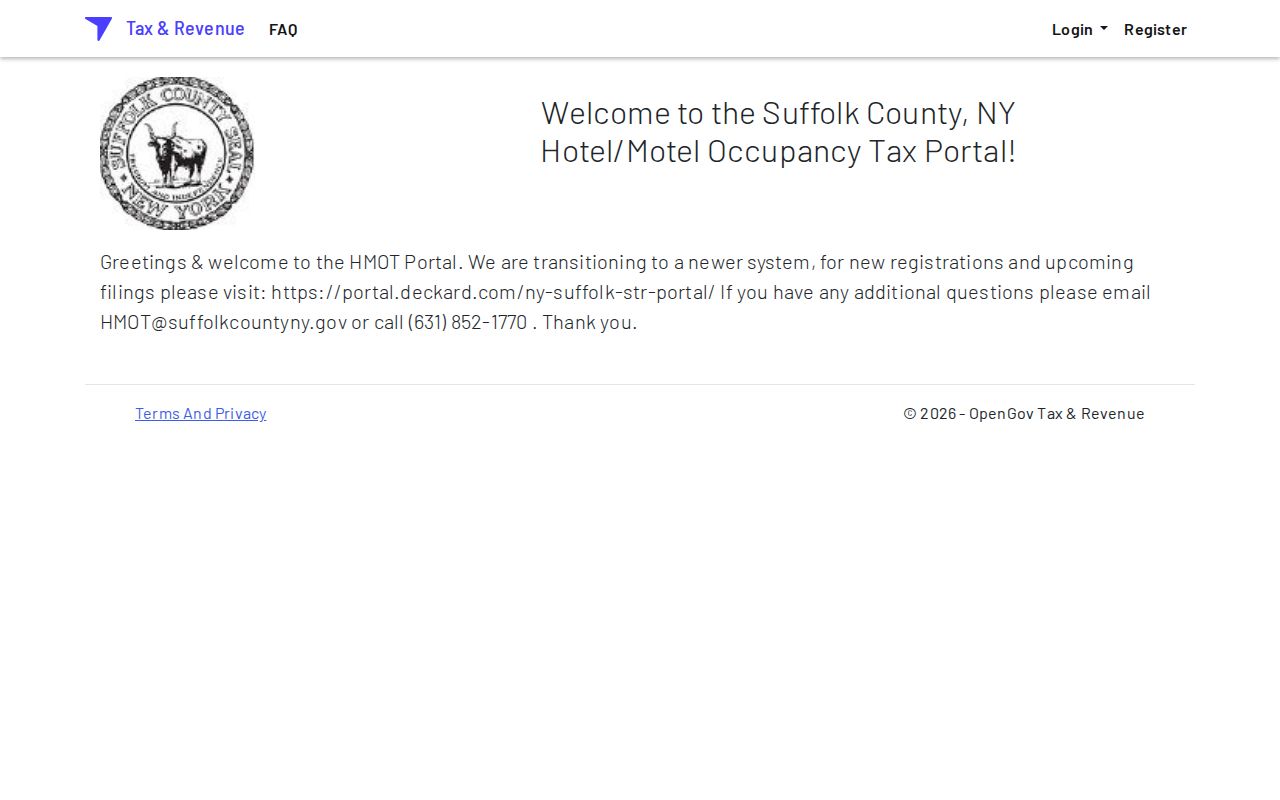
The screen helps distinguish parcel, situs, street, and mailing searches before reviewing results.
Search the Suffolk Clerk without Losing Older Results
The Suffolk Clerk kiosk handles several record types at once. Property, name, liber-page, index, UCC, and business searches all live there, and deeds, mortgages, liens, and lis pendens sit in separate buckets. A common owner name needs narrowing fast. Add dates or the SCTM before you hit the 2,000-row cap on results. Imaging online generally begins in 1987. Index dates vary by record class, though, and the physical land books stretch back into the seventeenth century, so older Suffolk County property records often exist only in paper form. When an index hit has no image, the paid image option, a copy request, or a trip to the Riverhead counter closes the gap. Open the Clerk search page itself to start.
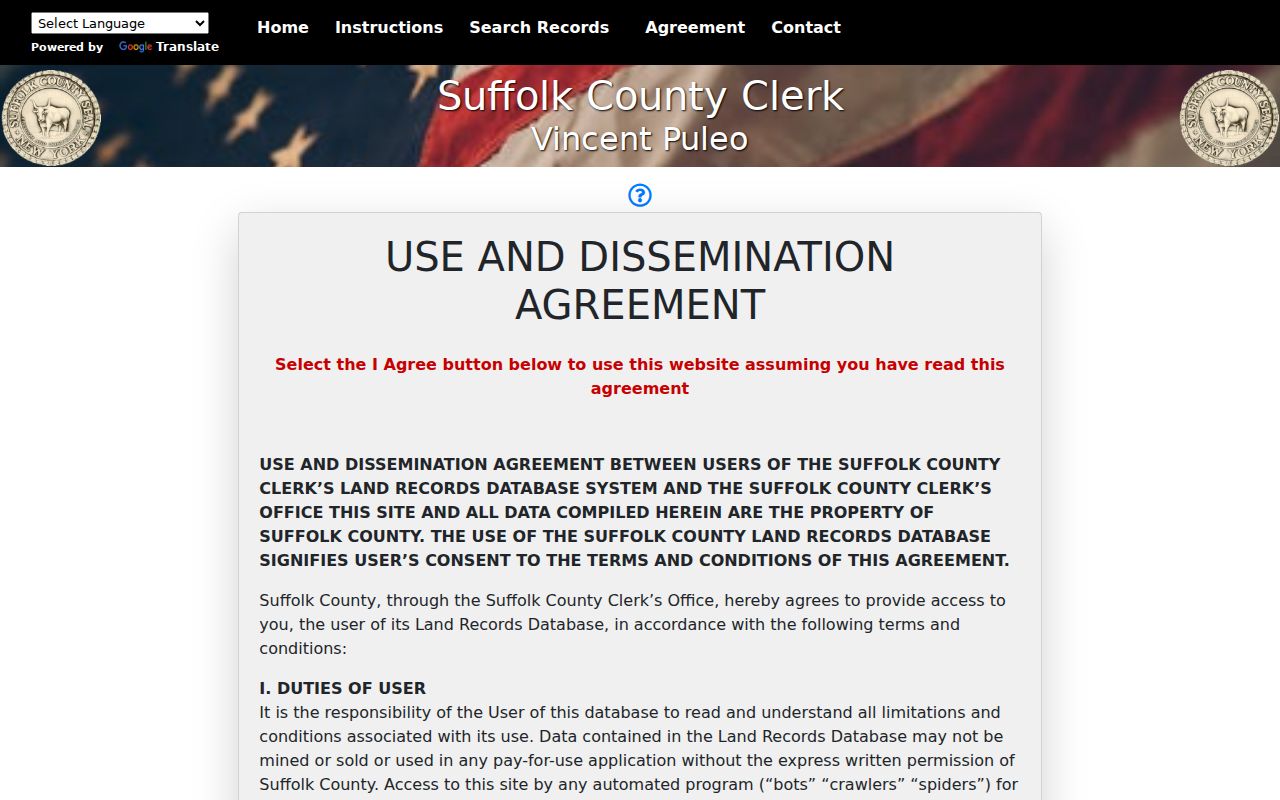
The available panels make one point plain: parcel, party, and document-reference searches work best as complementary routes through the Suffolk Clerk's records.
Resolve Trusts, Estates, and Business Owners
The assessed owner of record is not always a person. Trustees, estates, fiduciaries, and limited-liability companies all show up in the tax roll. Copy the wording exactly as it appears. Then pull the newest deed and read the grantee capacity. Estate language may point toward Surrogate's Court files. A business name can be run through New York's entity inquiry. Same-name people need firmer separation than a mailing label. Use the SCTM, the address, the deed date, and the legal description together. Guessing from a name alone invites false matches in the property records.
Use the Suffolk Parcel Polygon to Validate Location
With the SCTM in hand, open the county GIS map. Select the polygon that matches the parcel number. Then compare district, section, block, and lot against what your search returned. Check the full address, parcel status, acreage, ZIP, and land-use attributes too. This check catches address results attached to the wrong lot. Remember the mapped line is reference data, not a survey. The parcel feature service lists every field behind the viewer. The attributes can be traced to their source. Review the GIS parcel service for the full field list.
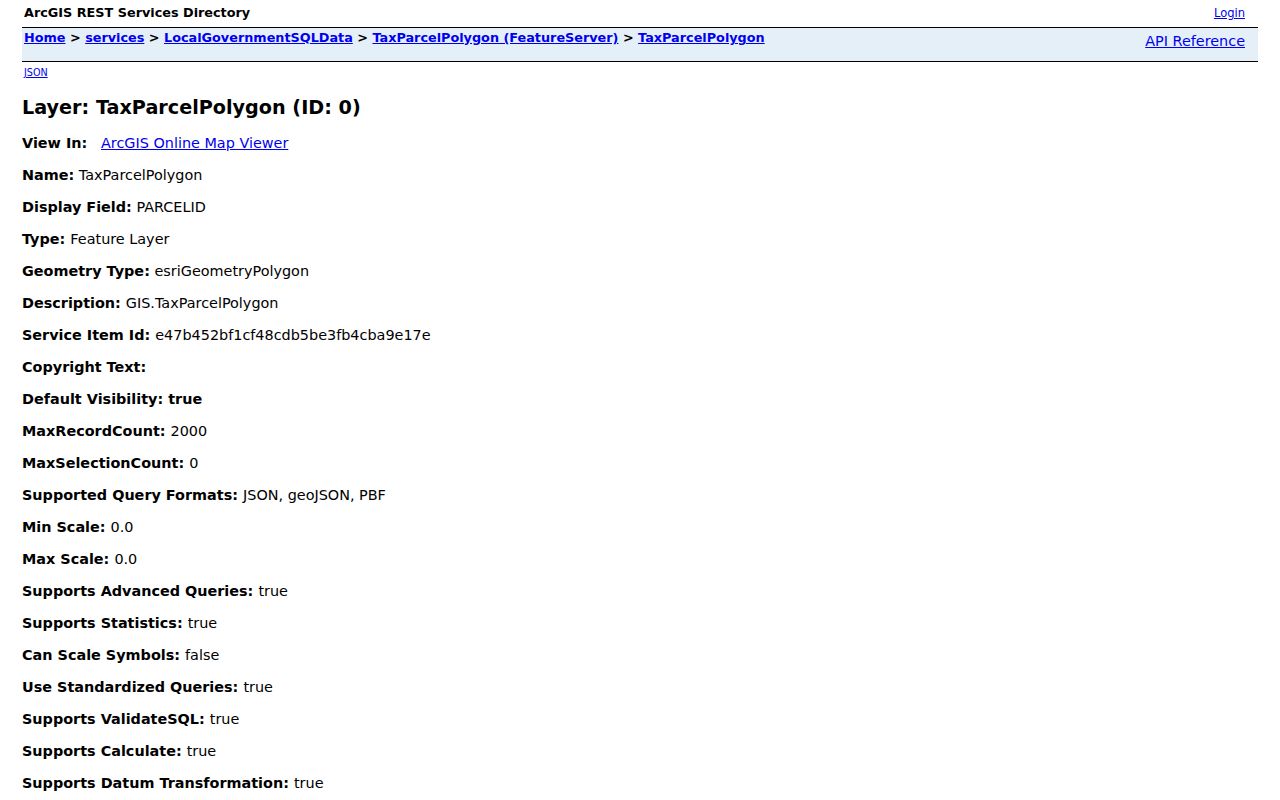
The field structure tells the story. SCTM components and location attributes tie each mapped shape to tax roll entries and deed searches, which is what makes the parcel polygon worth checking.
Find the Correct Permit Office after the Property Search
Suffolk deeds and tax maps live at the county level. Building permits and zoning records usually do not. Those sit with the town or incorporated village instead. Read the SCTM district and GIS municipality fields to pin down the right office. Never trust a postal place name alone. Postal and legal boundaries often differ in Suffolk County. A county records terminal or plat map identifies the land. The permit history, though, waits at the municipal office. Ask which years and record classes are searchable online. Ask which ones need an office request, and whether the address was ever renumbered.
Handle Inactive and High-Volume Suffolk Results
An OpenGov inactive-record warning means the exact PIDN needs attention. Save both current and prior identifiers whenever a split, merger, or status change is in play. In the Clerk kiosk, broad owner-name results fill up fast. Narrow them with dates, document type, or tax map. Do this before the 2,000-row cap cuts the search short. Try name variants only after the parcel route runs dry. For a business owner, keep the punctuation intact. Cross-check the name in the New York entity inquiry. For an estate or trust, preserve the fiduciary wording exactly. Follow the deed or probate reference wherever it leads. These steps cut false matches without inventing links between similar names in the property records.
What a Suffolk County Property Search Cannot Prove
A Suffolk County property search has real limits. It cannot establish marketable title. It cannot locate a boundary on the ground, reveal every beneficial owner, or promise that a town roll reflects yesterday's closing. Treat the GIS map as reference data. Assessed value is not an appraisal, and a recorded consideration can include terms that make it unlike an open-market price. When a result will support a transaction or a dispute, rely on certified copies from the recorder and review by a professional.
Check the record. Confirm important results with the County Clerk, the parcel's town assessor, or RPTSA before relying on them.
How a Suffolk County Property Search Works
- ]
What a Suffolk County Property Record Shows
| Owner of Record | |
|---|---|
| Situs / Mailing Address | |
| Parcel Number (APN) | |
| Assessed / Market Value | |
| Legal Description | |
| Last Sale |
Search by Address, Owner, or Parcel
| Search Key | Best For | Where It Works | Watch Out |
|---|---|---|---|
| Address | |||
| Owner name | |||
| Parcel number |
Not a title search.